Home › SEO checklist
Guide · updated November 2026The SEO checklist for 2026. 45 checks, in order.
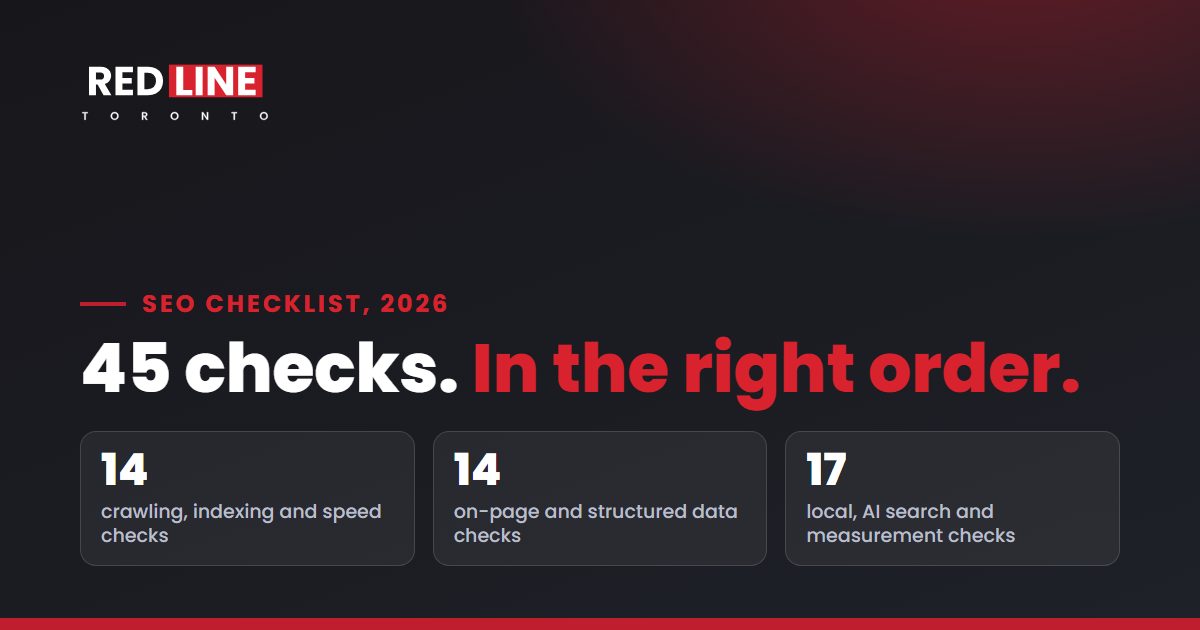
Technical, on-page, local and AI search checks, each with how to test it and the free tool to use. Work from the top: the early checks decide whether the later ones can work at all.
 By Basil Russo, Founder and Partner, Redline Toronto. Updated 18 November 2026.
Free and written. Within 1 business day. No call needed.
What should an SEO checklist include?
A complete SEO checklist covers seven areas: crawling and indexing, speed and page experience, on-page content, structured data, local SEO, AI search, and measurement. Fix them in that order, because a page Google can't crawl or index can't rank, however good its content is.
| Area | Checks | Main free tool |
|---|---|---|
| Crawling and indexing | 8 | Google Search Console |
| Speed and page experience | 6 | PageSpeed Insights |
| On-page content | 10 | Your own site search, Search Console queries |
| Structured data | 4 | Rich Results Test |
| Local SEO | 8 | Google Business Profile |
| AI search | 6 | ChatGPT, Perplexity, robots.txt |
| Measurement | 3 | Search Console, Google Analytics |
Crawling and indexing: can Google find and index your pages?
- Use HTTPS and one version of the sitehttp, https, www and non-www should all land on one address with a single redirect.
- Don't block important pages in robots.txtCheck it in Search Console's robots.txt report. Google explains the file here.
- Submit an XML sitemapList only pages you want in Google, and submit it in Search Console (Google on sitemaps).
- Confirm your key pages are indexedSearch Console's Page indexing report shows what's in and why the rest isn't. Inspect any page that matters.
- Remove stray noindex tagsA leftover noindex from a staging site can keep a whole site out of Google.
- Give each page one canonical URLPoint duplicates to one version and link to that version internally (Google on canonicals).
- Fix broken links and redirect chainsEvery internal link should reach a live page in one hop.
- Put your words in the HTMLText that only appears after scripts run, or only inside images, is harder for search and AI crawlers to read.
Speed and page experience: does the page load fast and stay steady?
- Largest Contentful Paint within 2.5 secondsGoogle's target for loading (Core Web Vitals). Test real-user data in PageSpeed Insights.
- Interaction to Next Paint under 200 millisecondsGoogle's target for how quickly the page responds when someone taps or clicks.
- Cumulative Layout Shift under 0.1Google's target for visual stability: nothing jumps while the page loads.
- Works well on a phoneGoogle indexes the mobile version of your site, so check every key page on a phone.
- Compress and size your imagesModern formats such as WebP, the right dimensions, and width and height set so the layout doesn't shift.
- No pop-ups that block the contentGoogle treats intrusive interstitials as a poor experience (Google).
On-page content: does each page answer the search better than anyone else?
- One topic per page, one page per topicIf two of your pages chase the same search, they compete with each other. Merge them or give each a distinct job.
- A unique title with the main search phraseKeep it specific and readable. Google may rewrite titles that don't describe the page (Google on title links).
- A meta description that sums up the pageIt doesn't move rankings, but Google may show it in the snippet (Google on snippets).
- One H1, and headings that match real questionsUse the words your customers type, like "How much does it cost?"
- Answer firstUnder each question heading, two or three sentences that answer it completely. Then the detail.
- Cover the follow-up questionsPrice, timing, options, risks. Use a table when people compare options.
- Link related pages to each otherDescriptive anchor text, from pages that already get traffic (Google on links).
- Link to the source of every statisticPrimary sources, with the date. It builds trust with readers and with AI tools that check facts.
- Describe images with alt textSay what the image shows. It helps screen readers and image search.
- Show who wrote it and when it was updatedA named author with a bio and a visible date (Google on helpful content).
Structured data: can machines read your key facts?
- Organization or LocalBusiness markupName, address, phone and hours, matching what the page and your Business Profile say.
- Breadcrumb markupIt helps Google show where a page sits in your site.
- FAQ and Article markup only where they match the pageMarkup must describe content people can see (Google's structured data guidelines).
- Validate itRun key pages through Google's Rich Results Test after every template change.
Local SEO: will you show up on Google Maps?
- Claim and verify your Google Business ProfileVerification is the first step in Google's own local ranking tips (Google).
- Use your real-world business nameNo keywords or city names added. Google can suspend profiles for it (Google's guidelines).
- Pick the most specific primary categoryUse as few categories as you need to describe the core business.
- Keep hours accurateSet special hours for holidays, and only list hours you are actually open.
- Use the same name, address and phone everywhereOn your site, your profile, your schema and every directory.
- Earn reviews steadily, and reply to every oneNo incentives, and no filtering out unhappy customers. Regulated professions follow their regulator's rules.
- One real page per location and service areaUseful local detail, not copies with the city name swapped.
- List the business on Apple and Bing tooApple Business Connect and Bing Places feed Apple Maps, Siri and Bing.
AI search: will ChatGPT and Google's AI name you?
- Allow the AI search crawlersFor example OAI-SearchBot, which OpenAI says sites need to allow to appear in ChatGPT search answers (OpenAI).
- Check your firewall and CDNBot protection can block AI crawlers even when robots.txt allows them.
- Answer-first summaries and comparison tablesOn the pages that answer the questions your customers ask AI tools.
- One set of facts everywherePrices, services, hours and service areas should match across the web, or AI answers will mix them up.
- Get listed where AI tools lookIndustry directories with real reviews, local best-of lists, associations and press.
- Track AI mentions every monthAsk ChatGPT, Perplexity and Google the same customer questions, and log who gets named. See GEO vs SEO.
Measurement: can you prove it's working?
- Verify Search ConsoleUse a domain property so every version of the site is covered.
- Track calls and form submissions in Google AnalyticsMark them as key events, so you can see which pages and sources bring leads.
- Record a dated baseline, then report monthlyClicks, rankings, Maps visibility, AI mentions and leads, compared against where you started.
If you only do five things.
- Confirm Google can index your key pages (checks 2 to 5). Nothing else matters until this is true.
- Fix your Google Business Profile (checks 29 to 32), if customers find you locally.
- Give each service its own page that answers the questions people ask before they buy (checks 15 to 20).
- Let the AI search crawlers in (checks 37 and 38). It's often a five-minute fix.
- Start measuring (checks 43 to 45), so you know what's working.
Want someone to run the checks for you? Our free written audit covers the issues holding your site back, where you rank, and whether AI tools mention you, ranked by impact. For a deeper look at the parts of this list, see our guides to Google Business Profile optimization, LLM SEO and GEO vs SEO.
See where you stand.
A free, written audit within one business day: where you rank, who takes your searches, whether AI assistants mention you, and what to fix first. Then, if you like what you see, a free strategy call.
- 4.9×organic Google clicks for a law firm
- 8.9×organic Google clicks for a medical aesthetics clinic
Measured with the Redline Baseline Method: Search Console, July to September 2025 against the same months of 2026. Past results don't predict future results; yours depend on your market, competition and starting point. See the case studies.
SEO checklist questions, answered.
What is an SEO checklist?
An SEO checklist is a list of the checks a website needs to pass to rank in search: whether Google can crawl and index it, how fast it loads, whether each page answers its search well, and whether the business is set up for local and AI search. It's the same list an SEO audit works through.
What is on a technical SEO checklist?
Technical SEO covers crawling, indexing and speed: HTTPS and one version of the site, a clean robots.txt and sitemap, no stray noindex tags, one canonical URL per page, no broken links, content in the HTML, and Core Web Vitals within Google's targets. These are checks 1 to 14 above.
What is on an on-page SEO checklist?
On-page SEO is about each page's content: one topic per page, a unique title and description, headings that match real questions, an answer first, follow-up questions covered, internal links, sources for every statistic, image alt text, and a named author with an update date. These are checks 15 to 24 above.
How often should I run through an SEO checklist?
Run the full list once a year, or after a redesign, migration or big drop in traffic. Check Search Console's indexing and Core Web Vitals reports monthly, and recheck AI mentions monthly, because AI answers change often.
Do I need paid tools to use this checklist?
No. Every check can be done with free tools: Google Search Console, PageSpeed Insights, the Rich Results Test, your Google Business Profile, Google Analytics, and the AI assistants themselves. Paid tools save time on large sites and competitor research.
How do I check an SEO agency's work?
Ask which of these checks they'll run first, how they'll report on leads rather than rankings alone, and whether you'll own every account. Google's own advice and the red flags to watch for are in our guide to what SEO costs in Toronto.
See what's holding you back.
Tell us about your business. Your written audit arrives within one business day. No call needed.
Your audit covers:
- where you rank for your services on Google and Google Maps across your service area
- which competitors take those searches
- whether ChatGPT, Perplexity and Google's AI answers mention your business
- technical problems holding the site back
- anything on your Google Business Profile likely to cause a suspension, such as keywords in the business name
Every finding is ranked by impact, with the evidence behind it. Yours to use, with us or without us. Then, if you like what you see, a free strategy call.
In short: a free, written audit within one business day. No call needed. Yours to keep, whether or not you hire us.